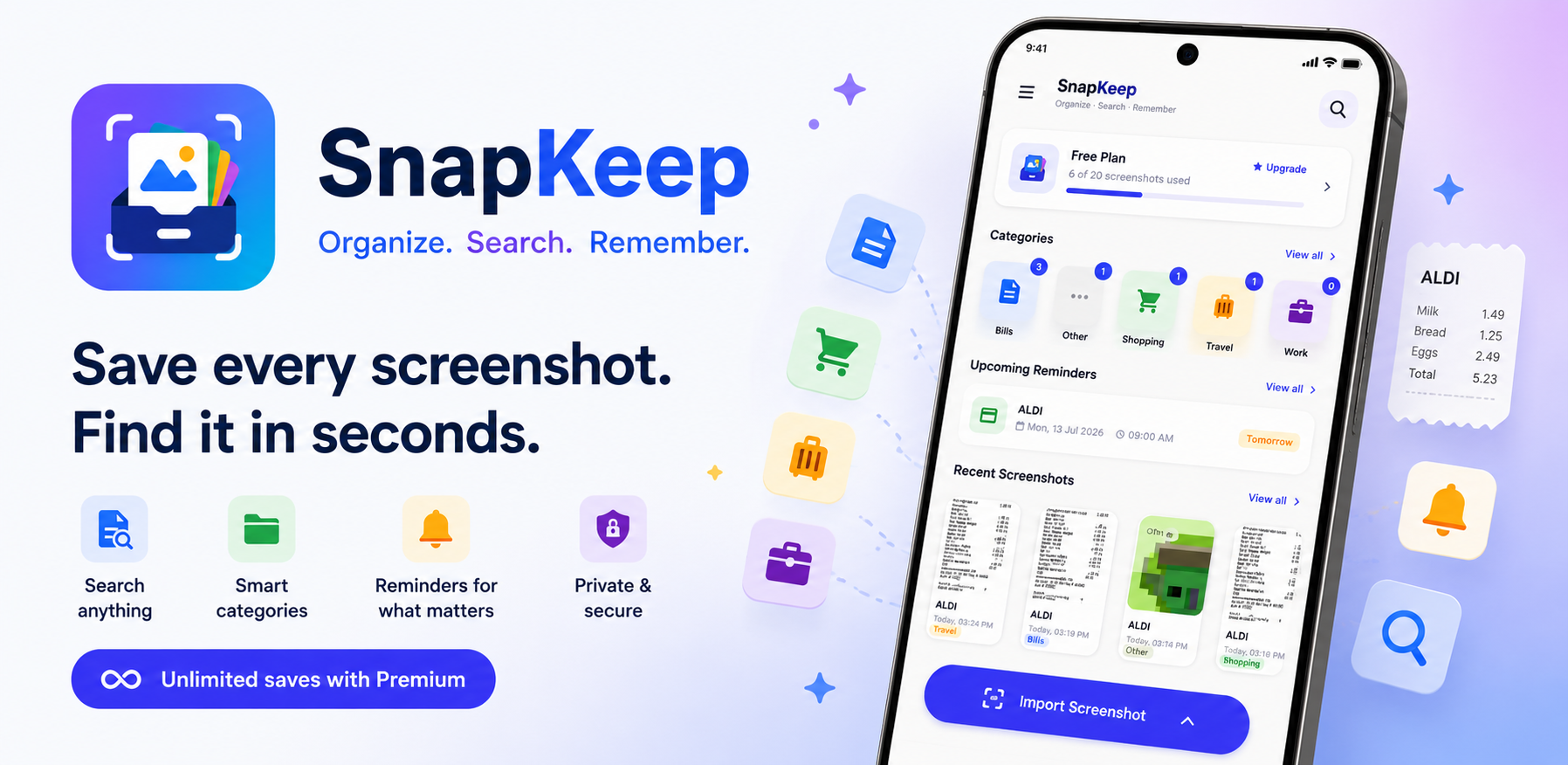
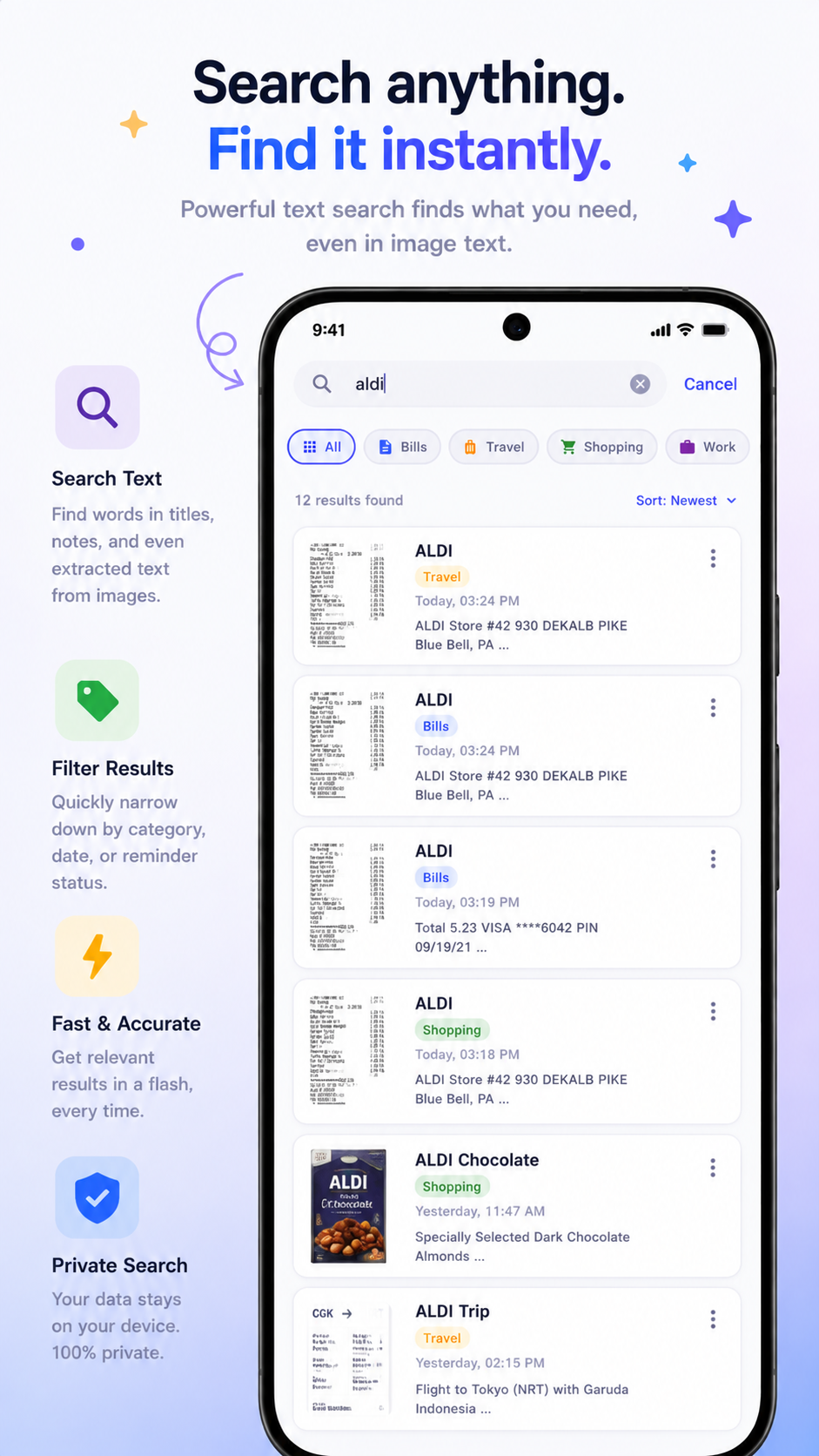
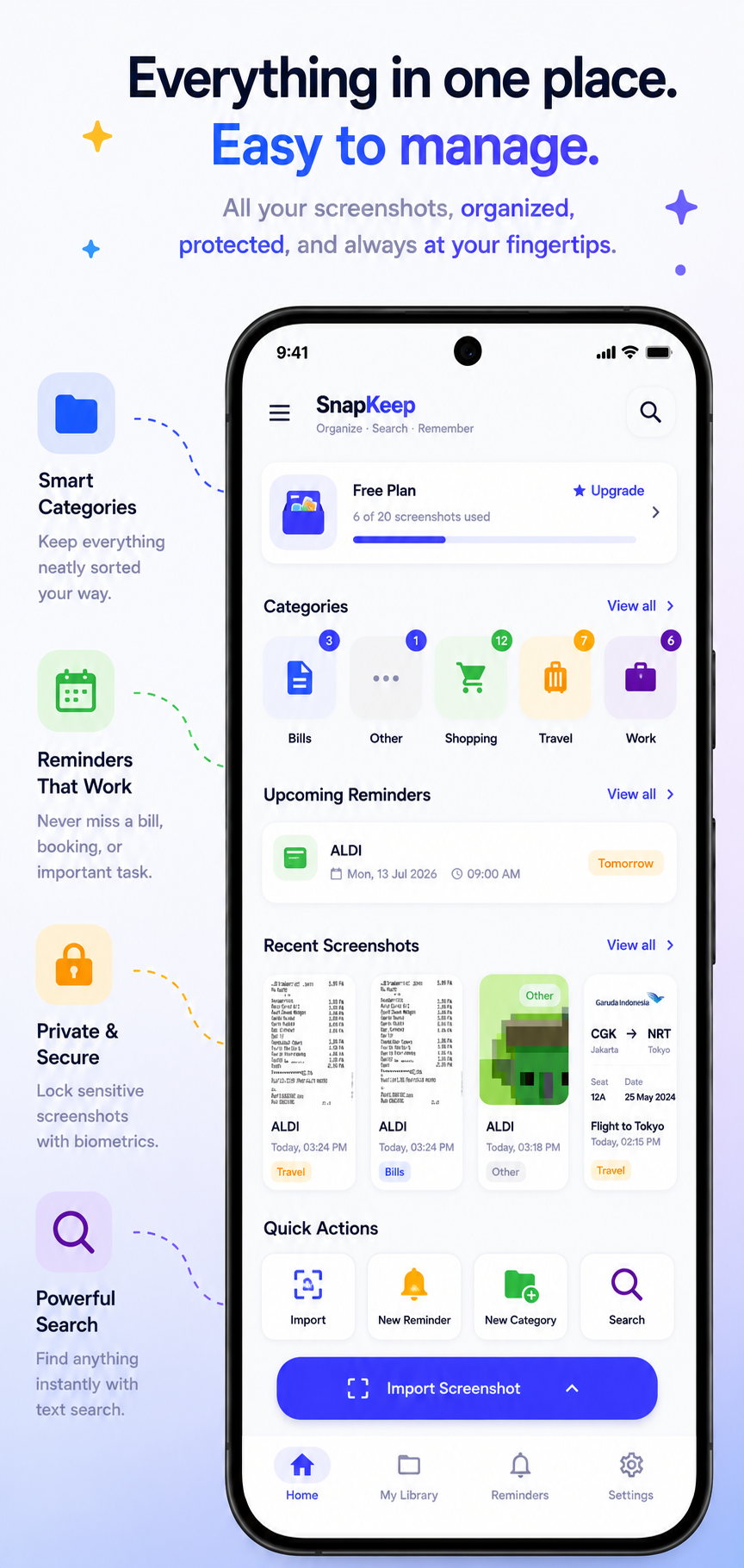
SnapKeep uses on-device OCR to make every screenshot searchable by its text — receipts, WiFi passwords, promo codes, flight details, anything. Private and offline, always.
Download Free on Google Play
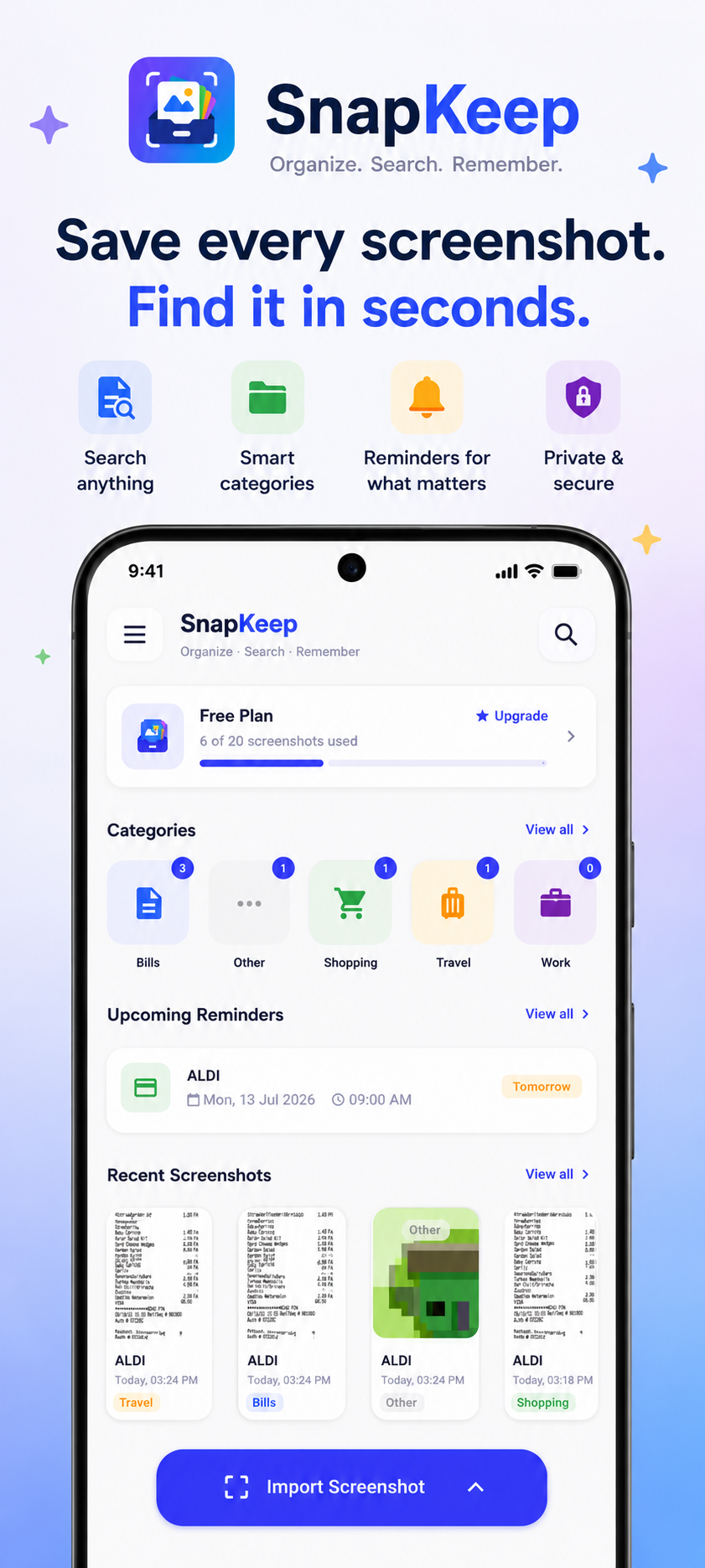
A focused toolkit for people who screenshot everything and can never find anything.
Share any screenshot from your gallery into SnapKeep — OCR runs instantly on-device, text is indexed, category suggested. Three taps and it's searchable forever.
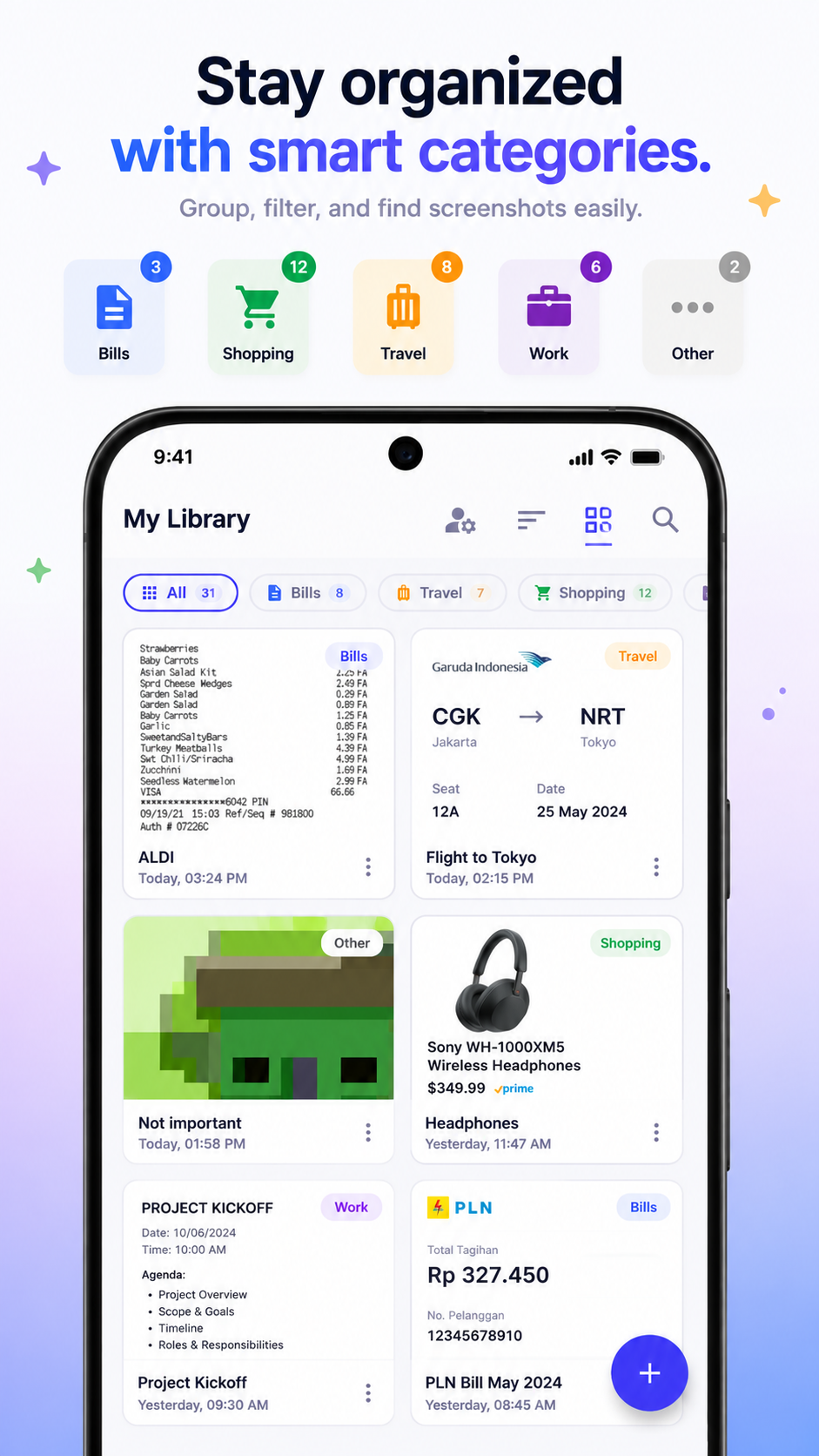
Screenshots auto-sorted into Bills, Travel, Shopping, Work, and more — based on their content. Or create your own categories exactly how you want them.
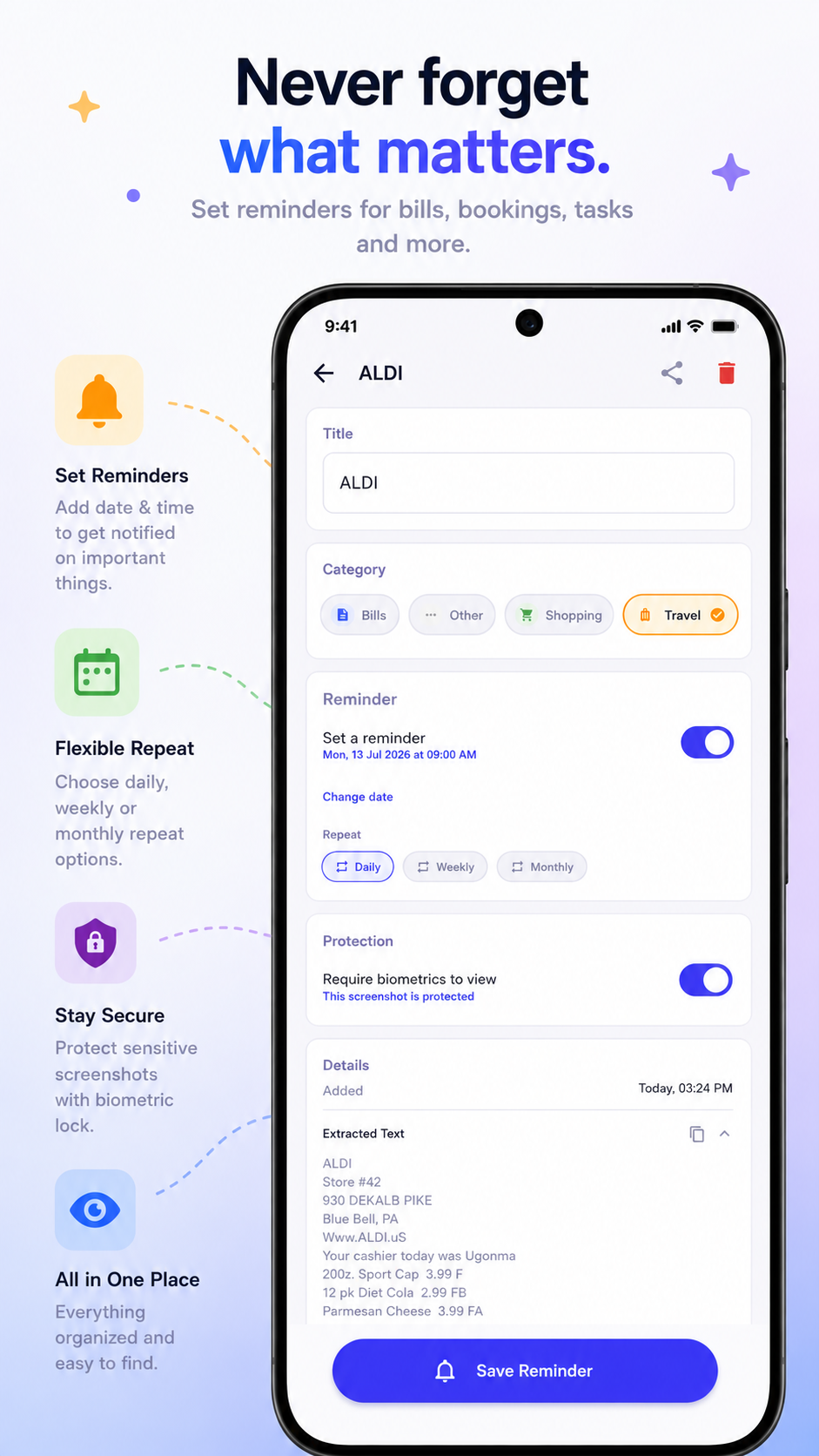
Set a reminder on any screenshot — pay this bill, book this flight, buy this item on sale. SnapKeep pings you at the right time so nothing slips through.
Type any word you remember seeing in a screenshot and find it immediately. OCR has already read everything — menus, receipts, messages, slides, tracking codes.
Your entire screenshot library — organized, searchable, and at your fingertips. Quick actions for import, reminders, and new categories right from the home screen.
From screenshot to searchable in three taps.
Open any screenshot in your gallery and tap Share → SnapKeep. Done.
On-device ML Kit reads all the text in your screenshot instantly — fully offline, fully private.
Type any word to find it. Set a reminder. Copy the text. Your screenshot library is finally useful.
No subscription. No tricks. Pay once, own it forever.
Free
$0
Forever free
Premium
$4.99
Pay once, keep forever
Free to download. No account. Works offline.
Get SnapKeep Free